Changelog

Follow new updates and improvements to AISquare Studio Inc.

A More Personal, More Expressive AISquare Awaits
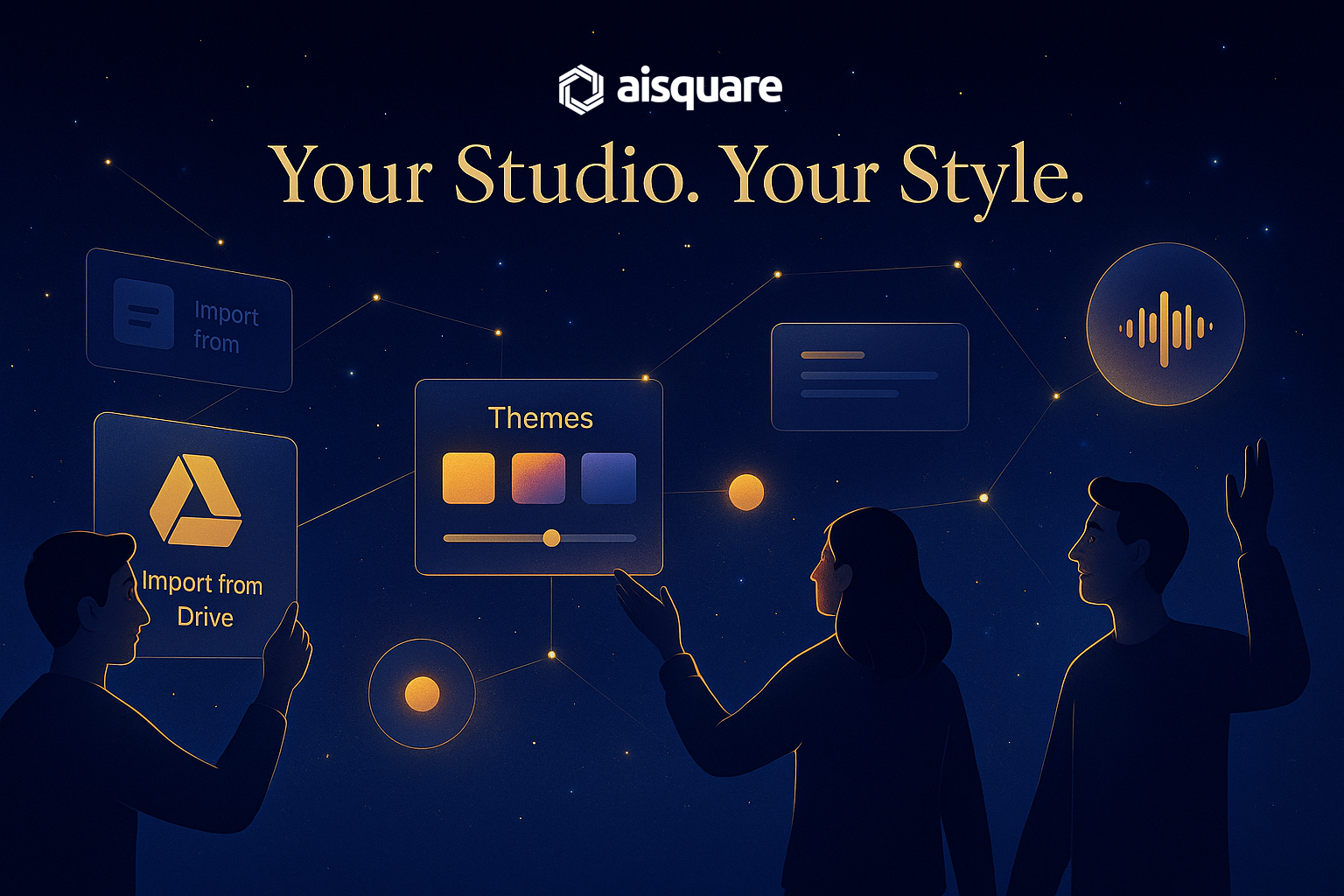
Every creator works differently, and this update is all about giving you a platform that adapts to your rhythm.
Over the past two weeks, we’ve focused on three things that matter most:

✨ Bringing your content in more easily
✨ Giving you more expressive ways to create
✨ Making AISquare feel more personal, fluid, and intuitive

AISquare is evolving into a creative environment that feels truly yours.

As always, your ideas shape our direction.
Keep sharing what you want to see next — we’re building this together.


✨ What’s New

📂 Google Drive Integration - Your Knowledge, Instantly Available

Bring your entire knowledge base into AISquare in seconds.
You can now connect Google Drive directly and import files seamlessly.

  • Secure Drive authentication

  • Browse, preview, and ingest files in one flow

  • Perfect for creators with large knowledge libraries

Your content comes to AISquare — not the other way around.


🎤 Voice Input for AI Expert - Ask Questions, Hands-Free

AI Expert now supports voice-to-text queries, making it easier to explore content without typing.

  • Speak your question → AISquare converts it to text instantly

  • Smooth waveform feedback

  • Automatic silence detection

  • Perfect for mobile users, quick lookups, and accessibility

This feature makes consuming and interacting with AI Experts faster, more natural, and more flexible. Especially when you’re on the move.


🎨 AI Studio Themes - Your Studio, Your Identity

Studios now feel like brands, not just pages.

  • Theme presets + fine-grained Hue/Saturation/Lightness controls

  • Improved dark mode rendering

  • Live preview while styling

  • More consistent visual system across cards & layouts

Your Studio should look like it belongs to you.


🌈 Mood Lighting - A Creative Space That Feels Right

Creator Studio now has Mood Lighting - subtle visual adjustments that make the interface feel calmer, cleaner, and more personal.

  • Softer contrast options

  • Gentle highlights and ambient lighting

  • A workspace that adapts to your creative mood

Small detail, big upgrade in how creation feels.


🧠 Smarter AI Notes — Now Powered by Your Prompts

AI Notes are now driven by intent, not just input.

  • Add custom prompts to guide AI-generated notes

  • Cleaner structure and heading hierarchy

  • More consistent tone and relevance

  • Faster, more reliable generation

Your AI Notes now sound like your thinking.


Improvements Across the Platform

🔐 Authentication & Security

  • Unified Login/Signup/Forgot Password modal across AISquare

  • Stronger redirect protection

  • More reliable Google/GitHub/Discord login

  • Action-based login prompts for likes, bookings, saving, etc.

A safer, smoother, more trustworthy login experience.


🖥️ AI Studio Enhancements

  • New UserProfileDropdown

  • More responsive mobile layouts

  • Better subscription visibility (new Bell icon)

  • Cleaner avatar rendering

  • Polished Experience headers & layouts

The UI now feels more polished and intentional.


🎨 Creator Studio Enhancements

  • Faster navigation with lazy-loading across key components

  • Cleaner, lighter UI with reduced clutter

  • Better Studio deletion & preview workflow

  • Full-screen AI Expert mode

  • More consistent progress indicators and sticky headers

The Creator Studio feels more modern, more personal, and more responsive.


🐛 Fixes (Highlights)

Teams & Permissions

  • Co-creator invite flow fixed

  • Corrected permission enforcement for viewers/editors

  • Appointment booking respects disabled states

  • Community no longer surfaces private studios

Creator Studio

  • Studio cards show correct experience count

  • Tags expand as expected

  • Overflow and header alignment resolved

  • Text uploads can be renamed

  • AI Expert header now stays within viewport

AI Studio

  • AI Notes URLs now clickable

  • Wrong experience counts fixed

  • Podcast back button resolved

  • Collections no longer show static durations

  • Creator info fully restored on Expert pages

Community

  • Following tab fixes

  • Correct studio names, publishers, and profile links

  • No more incorrect “Grow your Studio” buttons on others’ pages

Quests

  • Timer logic fixed

  • Leaderboard behavior stable

  • Avatar visibility fixed

  • 1v1 waiting logic corrected

…and dozens more stability, layout, and behavior fixes across all surfaces.


Coming Next

What we’re building now:

  • Analytics Dashboards (visitors, engagement, conversions)

  • AI Video Creation

  • Advanced Content Ingestion (more integrations, more formats)

AISquare is evolving from a product into a creative ecosystem and you’re shaping it.


💬 Keep the Feedback Coming

Your ideas guide every release.
Tell us what feels great, what feels rough, and what you want next.

→ Send feedback or suggestions
→ Or jump in and try the new features today
→ Create your next AI Studio - and give your audience something new to explore

NewImprovedFixed

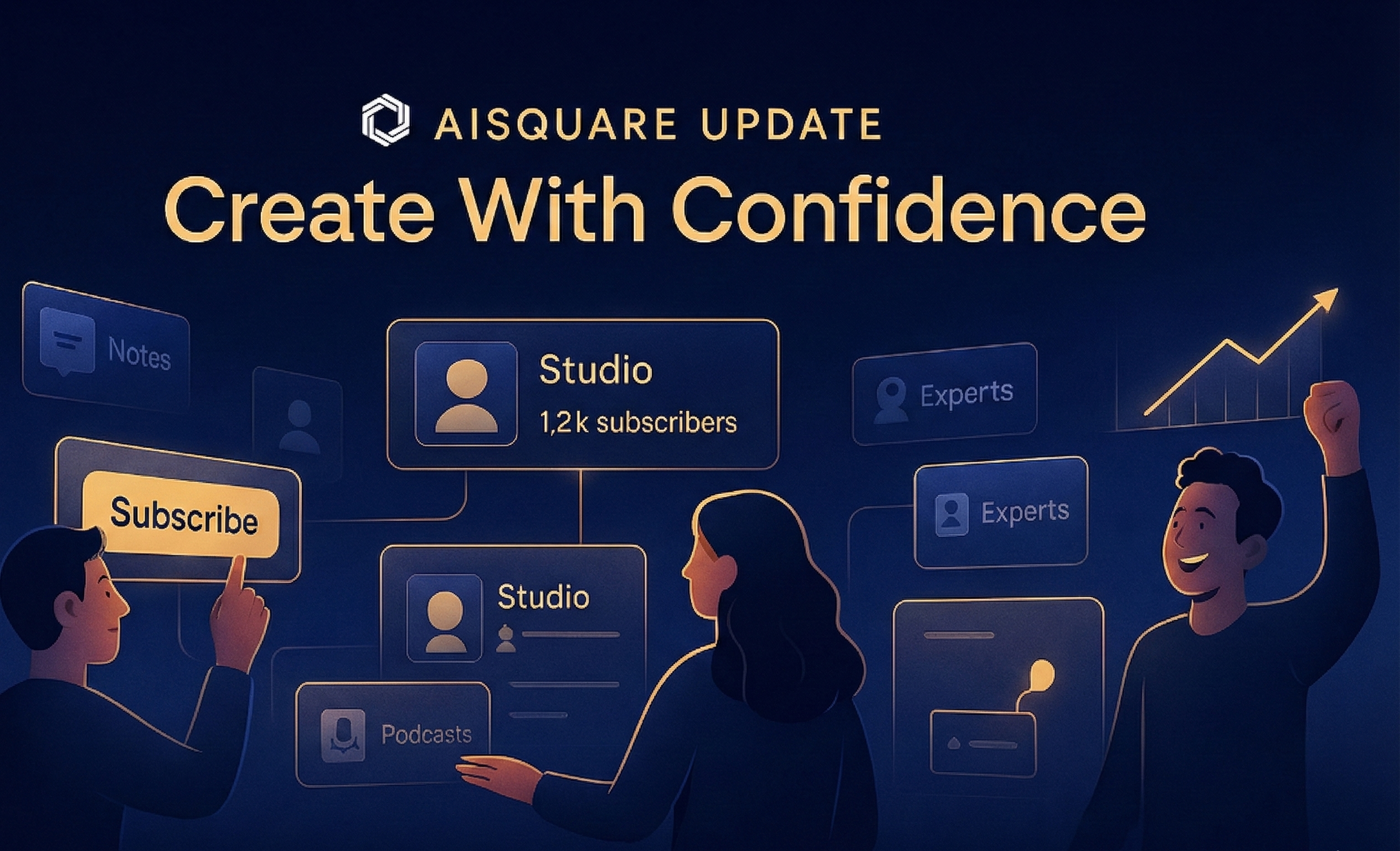
AISquare Update — Create With Confidence

You asked. We delivered.

And we want to hear even more from you.

Every improvement in this update, from the brand-new creation flow to Studio subscriptions, Podcast script previews, and dozens of quality fixes, came directly from your feedback. AISquare is being built with you, not just for you.

So as you explore what’s new, keep telling us what feels smooth, what feels confusing, and what you want next.
Your ideas shape every release. Drop feedback anytime from the Feedback tab in your dashboard.


✨ What’s New

A Brand New Creation Flow

We rebuilt the entire creation experience to make it smoother, faster, and more intuitive.

  • Modern Studio Creation Wizard

  • Stepper UI with clean routing

  • Better upload handling & clearer errors

  • Fresh UI polish across titles, thumbnails, badges

  • A more guided, flexible flow for creators


⭐ Studio Subscriptions

Your audience can now subscribe to your Studio.

  • New Subscribe/Unsubscribe button

  • Subscriber count visible in Studio

  • Community surfaces now reflect real subscriber data

  • Weekly Digest to summarize content from all studios you follow

This builds a direct connection between creators and their followers.


🎙️ Podcast Script Viewer (Before Publishing)

You can now inspect and edit podcast scripts before they go live.

  • Full script viewer

  • “Needs Review” tagging

  • Cleaner publish flow

Podcast quality and control just got a huge upgrade.


🌟 Improvements

Publishing & Visibility

  • Stronger Team/Public/Private visibility logic

  • Permission-gated editing and role changes

Creator Studio UX

  • First-time walkthrough & onboarding improvements

  • Better skeleton loaders and previews

AI Studio UX

  • Clickable creator profiles

  • Polished Podcast player

  • Cleaner headers, badges, and layout

AI Experts

  • Faster chat streaming

Quests

  • Improved responsiveness

  • Fairer ELO scoring

  • More predictable multiplayer flow


🛠️ Fixes (Highlights)

Studio Manager / Creator Studio

  • Public/Private status now visible on published experiences

  • Draft experiences hidden for viewers

  • Incorrect Studio counts fixed in Audience Manager

  • Collections editing now shows correct pre-selected icons

AI Notes

  • Formatting bugs fixed

  • Full option menus now visible

Podcasts

  • Fixed: podcast not playing for audiences after publish

  • Better utterance handling

  • Improved script metadata and tagging

Quests (Multiplayer & 1v1)

  • Missing avatars fixed

  • ELO updating correctly

  • Waiting screen issues resolved

  • Faster question generation for second player

Collections & Community

  • AI Studio cards show correct experience count

  • Username & avatar now clickable

Teams

  • Visibility rules enforced (Viewers only see allowed content)

  • Delete option hidden for users without permission

Audience Manager

  • Incorrect Studio list fixed

  • Video generation issues fixed (cutoffs, timing, discovery errors)

  • Geography exclusion works properly

  • Outreach errors resolved

Profiles

  • Country now displays correctly on others’ profiles

  • Completion percentage updates more reliably


🔭 Coming Next

  • Studio Personalization (themes, branding, layout)

  • Analytics Dashboards — Engagement tracking for Studios and Experiences.

  • AI Video Creation

  • Improved Content Ingestion - Support for multiple formats and external integration


💬 Keep the Feedback Coming

This release is built on your ideas — keep them coming.
Tell us what you love, what you want next, and where we can improve.

Keep sending feedback — it shapes every release.

→ Send feedback or suggestions
→ Most importantly: Go create your Studio today
→ And try the new creation flow today 🚀

NewImprovedFixed

AISquare Alpha 0.5 – Community Mode: On

AISquare Alpha 0.5 is here — and it marks a major step toward turning AISquare into a shared, collaborative ecosystem.

With the launch of the Community page, users can now explore trending Studios and AI Experiences. We’ve also introduced a more effortless creation workflow with smart autofill for descriptions.

This release is about making collaboration visible, creation effortless, and performance more reliable.


✨ What’s Live Today (August 21)

🌐 Community Page (Now Live!)

AISquare just got more social.

  • Discover trending AI Studios and Experiences

  • Explore public Collections, Discussions, and contributor profiles

  • See what others are building and learning — all in one place

✍️ Smart Description Autofill (AI Studio Creation)

Creating a new Studio? Your descriptions now auto-generate using:

  • Uploaded documents

  • Content tags

  • Creator metadata

This reduces friction and helps you publish faster, with better defaults.


🛠️ Fixes & Improvements

A massive round of polish and cleanup across the platform:

🔧 AI Experience Creation

  • Fixed: Review step linking logic

  • Fixed: Final confirmation issues

  • Fixed: File addition/removal bugs

  • Fixed: Name editing glitch in Creator Studio

🔧 Community Explore Page

  • Removed dummy data

  • Creator details now render correctly

  • Discussions are now dynamic and context-aware

🔧 Studio Manager & Backend

  • Breadcrumb now reflects the correct Studio Name

  • Header size bug fixed in Studio creation

  • Advanced Studio Settings now stable

  • Fixed: Migration issues causing Studio content mix-ups

🔧 Profile & Dashboard

  • Fixed: Profile picture now updates correctly

  • Country flag appears on self-view header

  • Fixed: Profile completion % mismatch

  • Improved: Empty state behavior on Profile Page

🔧 Content Vault & Expert UI

  • Fixed: Older unused files now clear correctly

  • AI Expert breadcrumb logic fixed

  • AI Expert chat history renders accurately


🔭 Coming Next…

  • 👤 View Other User Profiles

    Discover public profiles and browse other creators' workspaces.

  • ⚔️ Quests: 1v1 and Multiplayer

    Challenge a friend or collaborate in real-time learning missions.

  • ⚡ AI Experts: Performance Upgrade

    Faster, smarter, and more context-aware chat experience.

  • 🎙️ Podcast Generation (Beta Preview)

    Turn your AI Studio content into spoken audio with one click.


💬 Got Feedback?

We’re building this with you — and your feedback shapes every release.

→ Send feedback or suggestions
→ Found a bug? Ping us directly or use the Feedback tab in your dashboard.

NewImprovedFixed

Earlier updates